Skip Navigation

User banner
Battlestations

Members
0
Posts
30
Created
3 yr. ago

Welcome to /c/Battlestations

A community for sharing your computer, gaming or work setups as well as discussion about anything related to such setups.

  • Posts should include a photo of a computer setup of some kind or be a discussion of computer setups.
  • Posts or comments that are homophobic, transphobic, racist, sexist, ableist, or advocating violence will be removed.
  • Be civil: disagreements happen, but that doesn’t provide the right to personally insult others.
  • Spam, self promotion, trolling, and bots are not allowed

Lemmy World Rules

🌉 bridged from !battlestations@lemmy.world by Tidepool

What are your favorite monitor arms?

I'm going to setup a desk station with one vertical monitor on the left, and two stacked horizontal monitors on the right. Monitors are about 7kg so I'm going to need some beefy arms to hold them onto my standing desk. What monitor arms have you had good / bad experiences with? I've been looking at the Ergotron items but they are kinda spendy

Couch Based Battle Station Idea with TV on the floor

TLDR: Is it crazy to put a big TV on the floor for a couch battle station so that my eyes at couch height are at the top of the TV on the floor?

Context: I got a good price (buddy doing a clearance sale) on a 100" (254cm) hisense tv, so I want to setup a couch battle station.

I've always been near sighted, and I want to use this as a opportunity to move my display farther away from me. So put the 4k TV on the ground on the other side of the room, sit on the couch with a wireless keyboard / mouse and be productive.

When I'm sitting on the couch my eyes are about 120cm (~50in) from the ground, and putting the TV on the ground puts the top of the screen at 131cm (88in).

Anyone else doing a on-the-ground tv setup?

What quality of life add-ons can you suggest?

I changed it ... again!

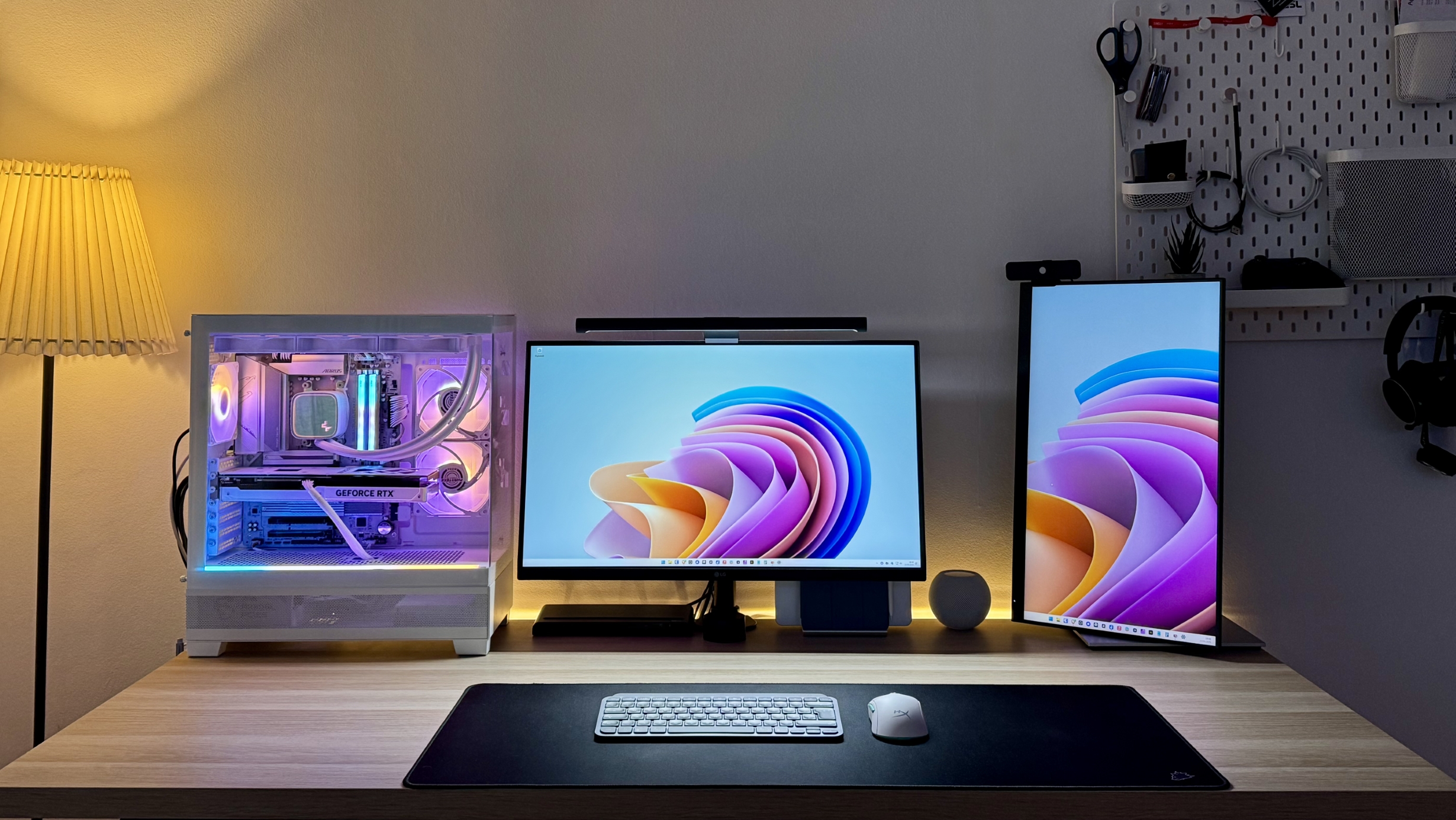
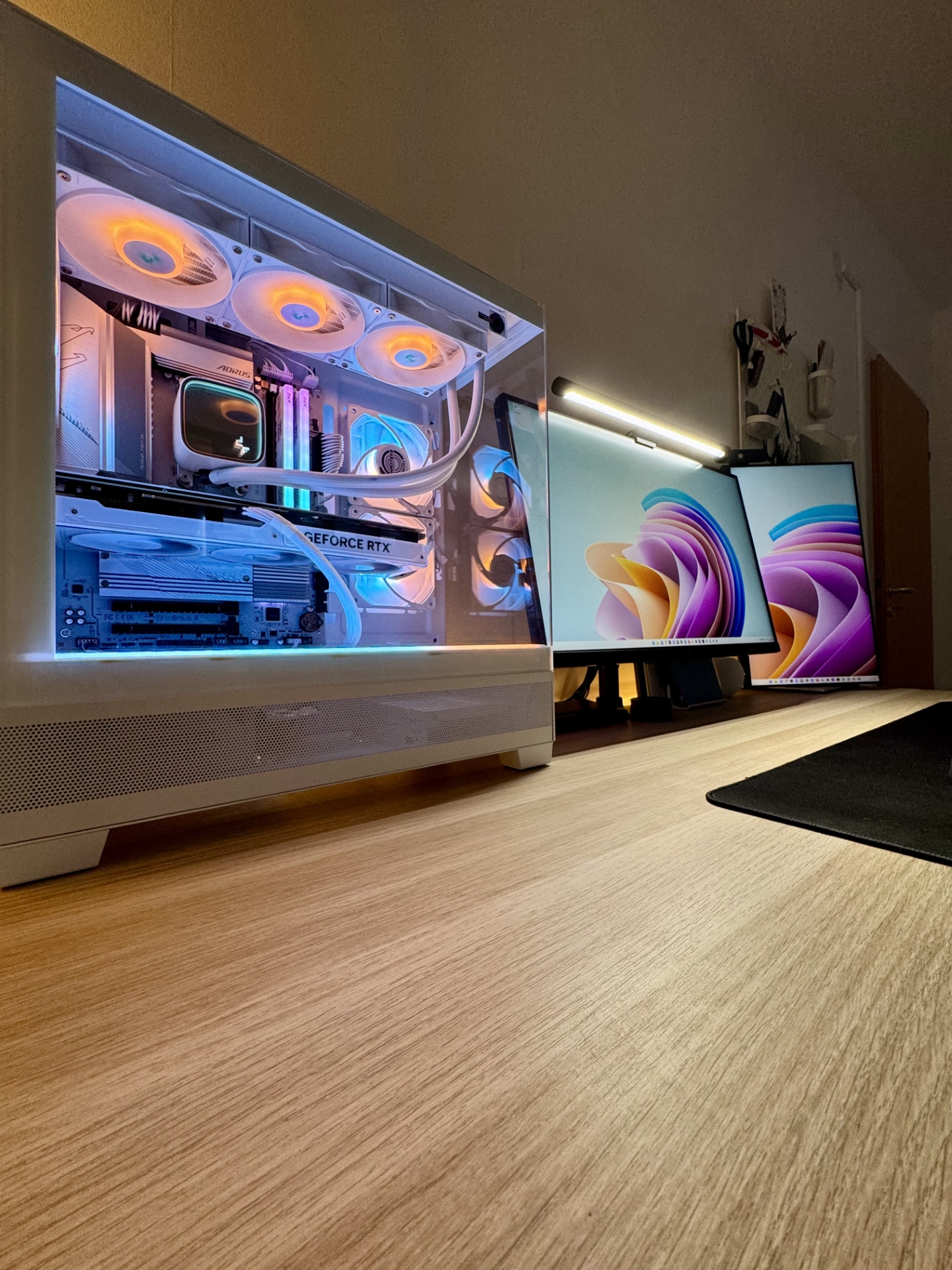
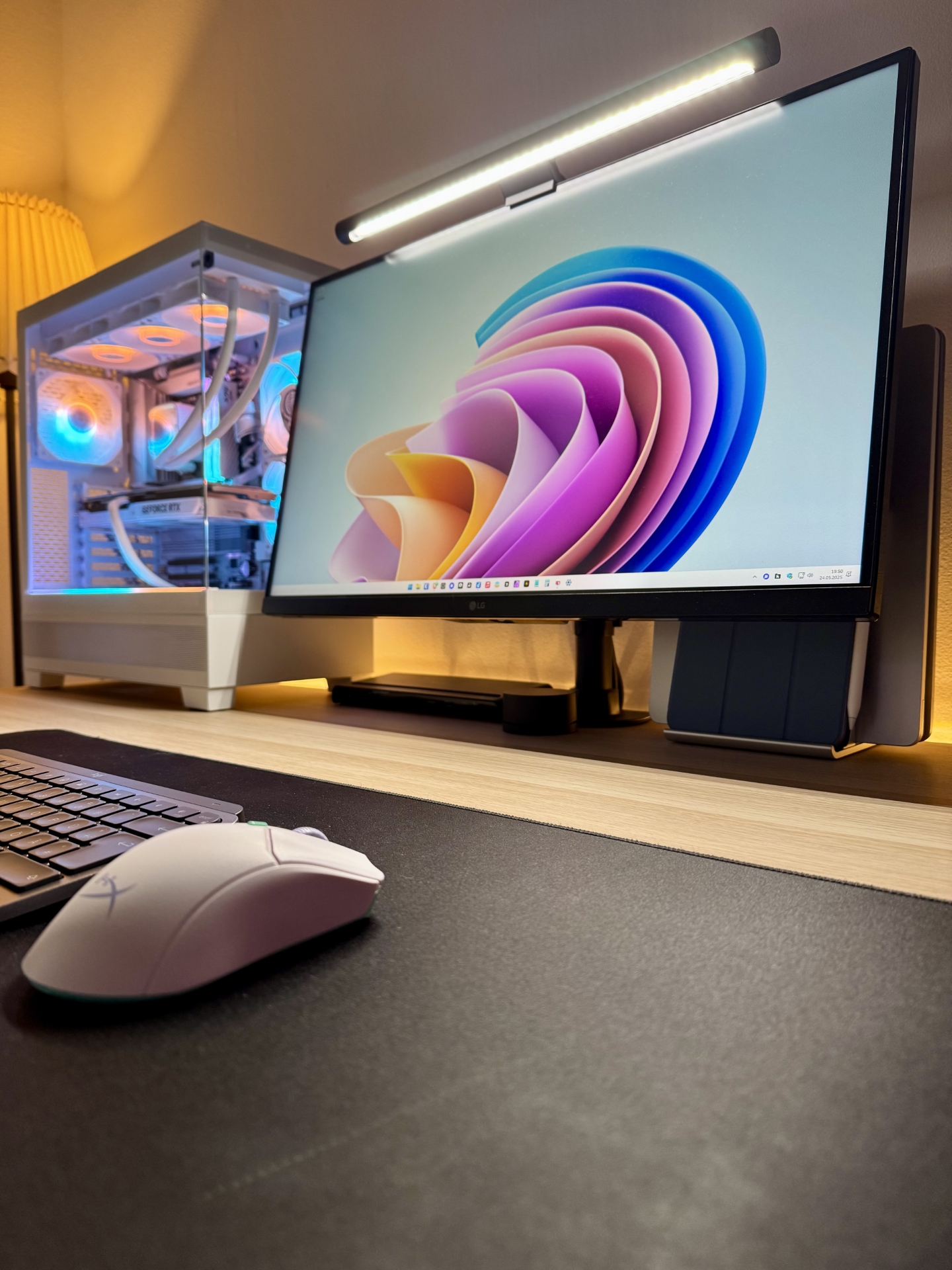
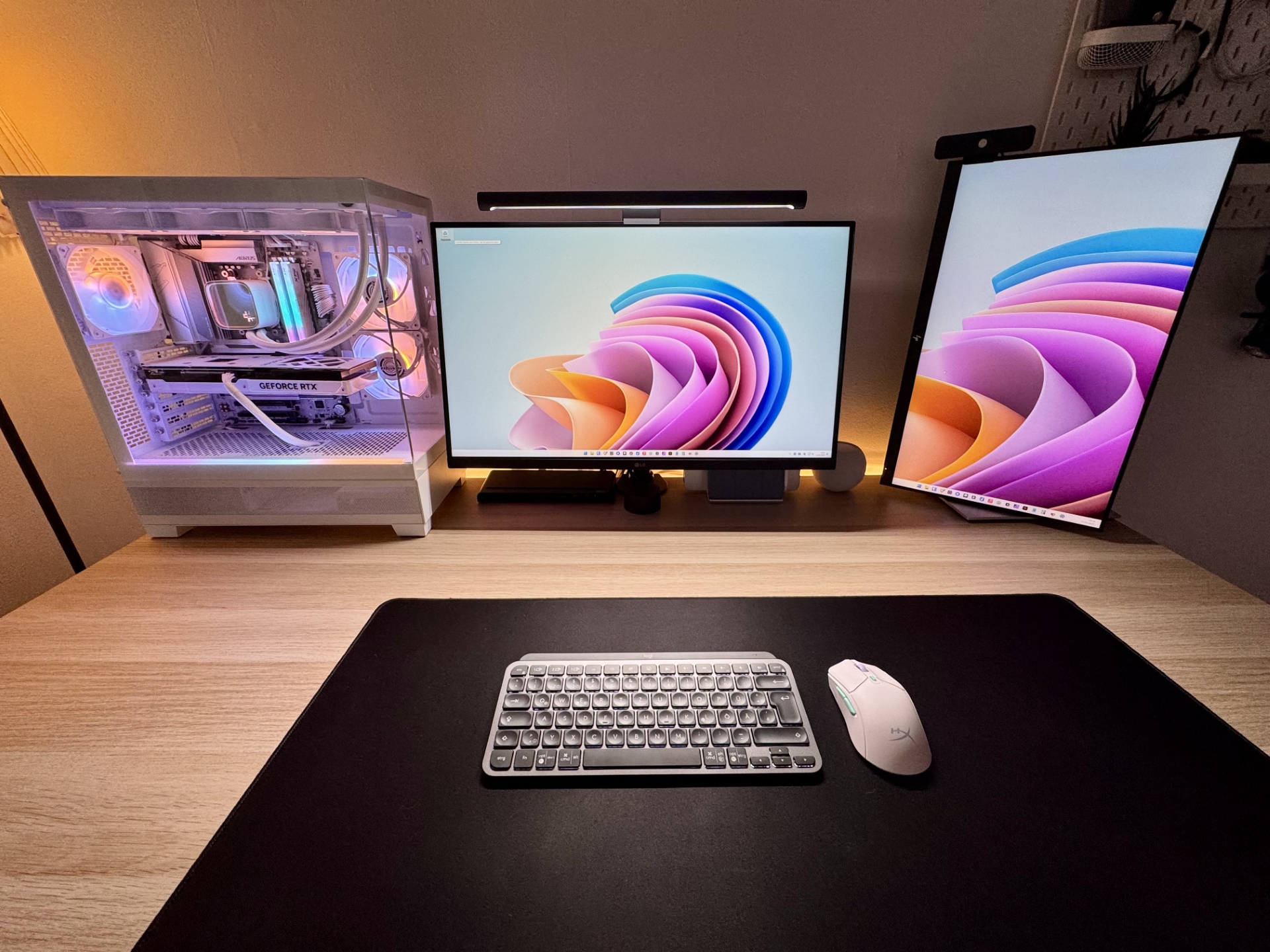
• CPU: AMD Ryzen 5 7500F 3,7 GHz • AIO: DeepCool LS720 WH • MAINBOARD: GIGABYTE B650 AORUS ELITE AX ICE • GPU: Manli GeForce RTX 4070 Ti Super 16GB Polar Fox Triple • RAM: 2 x XPG Lancer Blade AX5U6000C3016G-BLABRWH • SSD: 2TB Lexar NM620 M.2 2280 PCIe Gen 3x4 NVMe SSD • CASE: Phanteks XT View PH-XT523V1_DWT01 • FANS: 3 x Phanteks PH-F120M25 12V PWM-Lüfter • OWER: MSI MAG A850GL PCIE5 • MAIN DISPLAY: LG 27GP850-B • SECOND DISPLAY: HP E24 G4 (Hochkant) • KEYBOARD: Logitech MX Keys Mini • GAMING-MOUSE: HyperX Pulsefire Haste 2 Core Wireless Gaming Mouse • Behind the main display: 1 MacBook Air M3 (private), 1 MacBook Air M2 (from the company I work for) image image image image

How do you manage power outlets?

I've got a lot of devices that need to plug into an outlet at my desk. Right now, I have 2 surge protectors completely full.

I wanted to get a smart surge protector to auto turn off/on devices I don't want left on all the time (ex: speakers, monitor, DAC/AMP, printer). But the smart surge protectors have fewer outlets than my current one.

My question is, how do you manage your outlets when you have a lot of devices that need to be plugged in? I don't want to have 3 surge protectors plugged into the wall. I'm already drawing a lot of power in my home office with my mini fridge also plugged in (on the opposite side of the room).

I've also heard of something called UPS. Would that be better than plugging it into a surge protector?

For those curios, the devices I have are:

• Two monitors • Speakers • DAC/AMP • Router • Modem • Printer • Ethernet Switch • PiHole • Solar panel monitor • NAS • Landline phone • Backup external hard drive