Skip Navigation

User banner
SFF PC

Members
0
Posts
45
Created
3 yr. ago

A community to discuss small form factor PCs.

Rules:

  1. No bigotry: Including racism, sexism, homophobia, transphobia, or xenophobia. Code of Conduct.
  2. Be respectful. Everyone should feel welcome here.
  3. No NSFW content.
  4. No Ads / Spamming.
  5. Be thoughtful and helpful: even with ‘stupid’ questions. The world won’t be made better or worse by snarky comments schooling naive newcomers on Lemmy.

SFF Case List

🌉 bridged from !sffpc@lemmy.world by Tidepool

Planning my next build - Jonsbo Z20 + noctua NH-P1, 13900T

I have been using my hdplex h5 for 9 years now (!!!), went through many builds. My current desktop is a 13900T with an RTX 3060, all fanless; 99% of the time, it's been great. I realize after such a long time that on occasion (1% of the time), I want all the compute power that this build has and I can't extract it from this build due to thermal throttling. The motherboard is a bit old (h670) and I need thunderbolt. So now I'm planning to use the opportunity that the motherboard upgrade brings to "semi-silent" or "silent almost all of the time", with a Jonsbo Z20 + NH-P1, keeping the CPU but using an ITX z790 mobo I bought in ebay. Planning to inlcude an undervolted gtx 5060Ti dual fan with "0dba support" (no fans below 50 degrees), and two noctuas, intake at the bottom of the case and exhaust at the rear. Fanless PSU (seasonic, 500w). My desktop OS is linux. Home desktop machine. A little steam gaming. A lot of photo editing (#darktable) Anybody in the community with experience in nh-p1 / semi-silent builds that can share real-world experience, will it able to handle 106W (13900T peak) keeping the CPU below throttling?

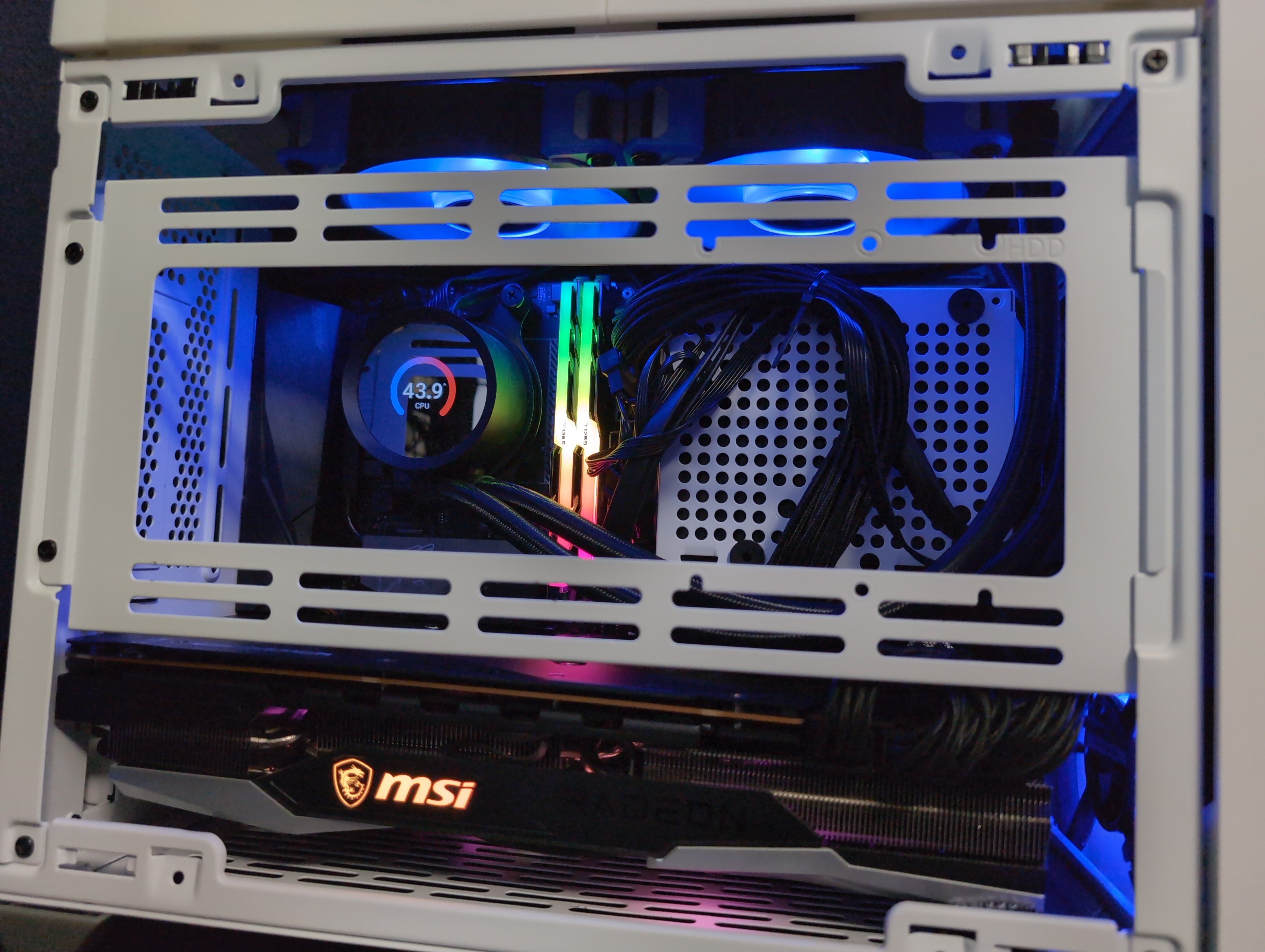
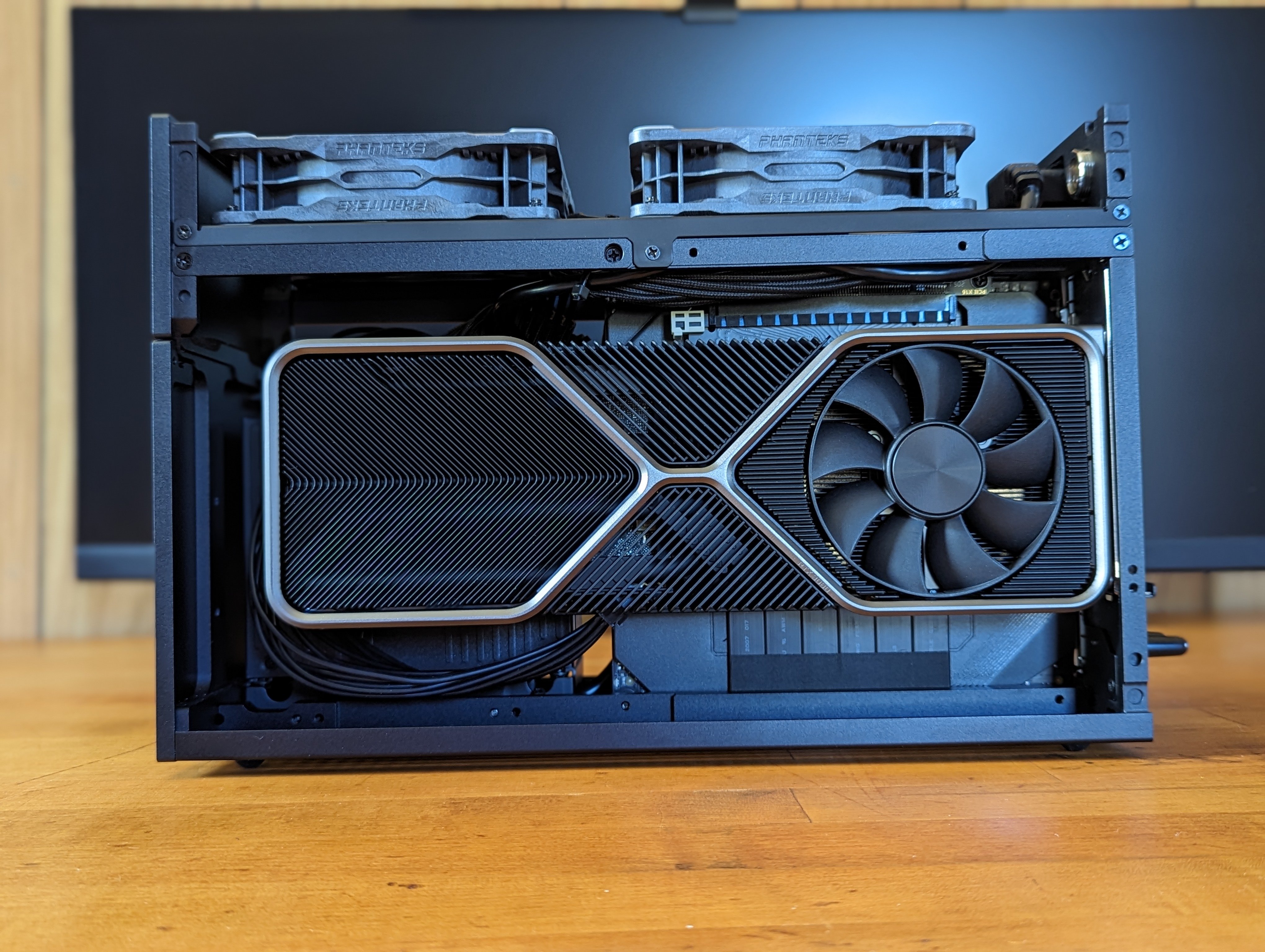
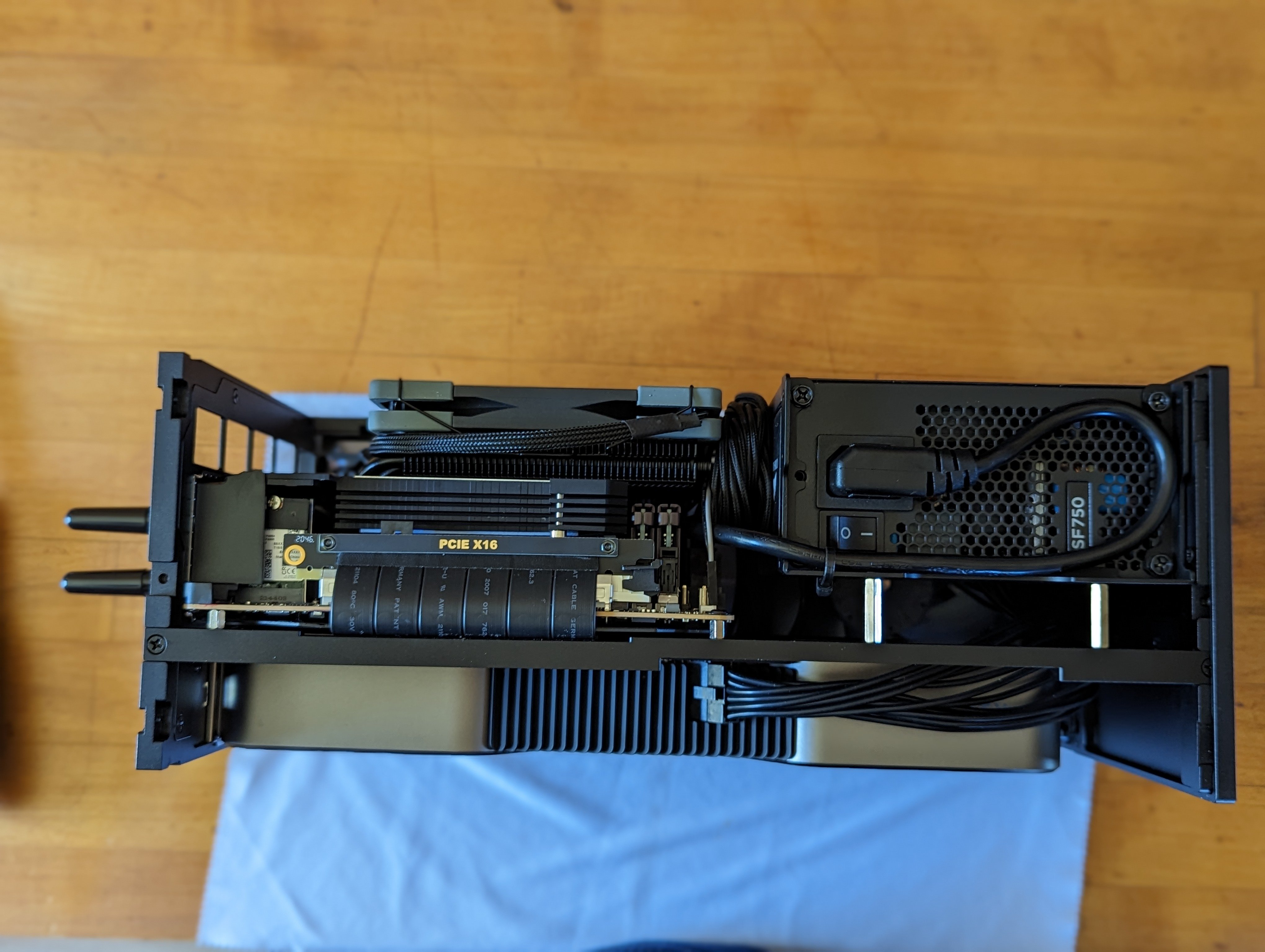
Water cooled Fractal Terra with sound card and 3d printed breakout module

Hi! Here is my "cheater" build for the Fractal Terra case: https://pxscdn.com/public/m/_v2/632520794410387667/758e75a50-ddd61a/55OxYLiBWoda/v3JXJduBkhRJcao0yHSUZukaL0kKqRUgWRG41L7V.jpg https://pxscdn.com/public/m/_v2/632520794410387667/758e75a50-ddd61a/v7zlLq6Vf5oa/BD5cw2xpm4ddjYdpyfbeHyxoTD6dLYpB4W82bXP3.jpg

 
Components 
Case: Fractal Design Terra
CPU: AMD Ryzen 7 7800x3d
GPU: RTX4080SUPER with Bykski water block
PSU: Corsair SF1000, 1kW
Mainboard: Asus Rog Strix B650E-I Gaming Wifi
Sound Card: ESI MAYA44ex
External Cooler: Mo-Ra IV 400

I designed and 3d printed a carrier for the sound card, which is now piggybacking on the water block of the GPU. It is connected to the Mainboard via a M.2 breakout cable and M.2 to PCIe-adapter. I get 1ms latency in Guitar Rig 7. The water cooler is controlled and powered by the mainboard via a breakout module, which connects to the PSU and the pwm outputs of the cpu fan and aio connectors on the mainboard. The whole setup is entirely inaudible even under full load (like rendering in Blender3d). Edit: corrected a typo: it's a 4080Super, not a 5080

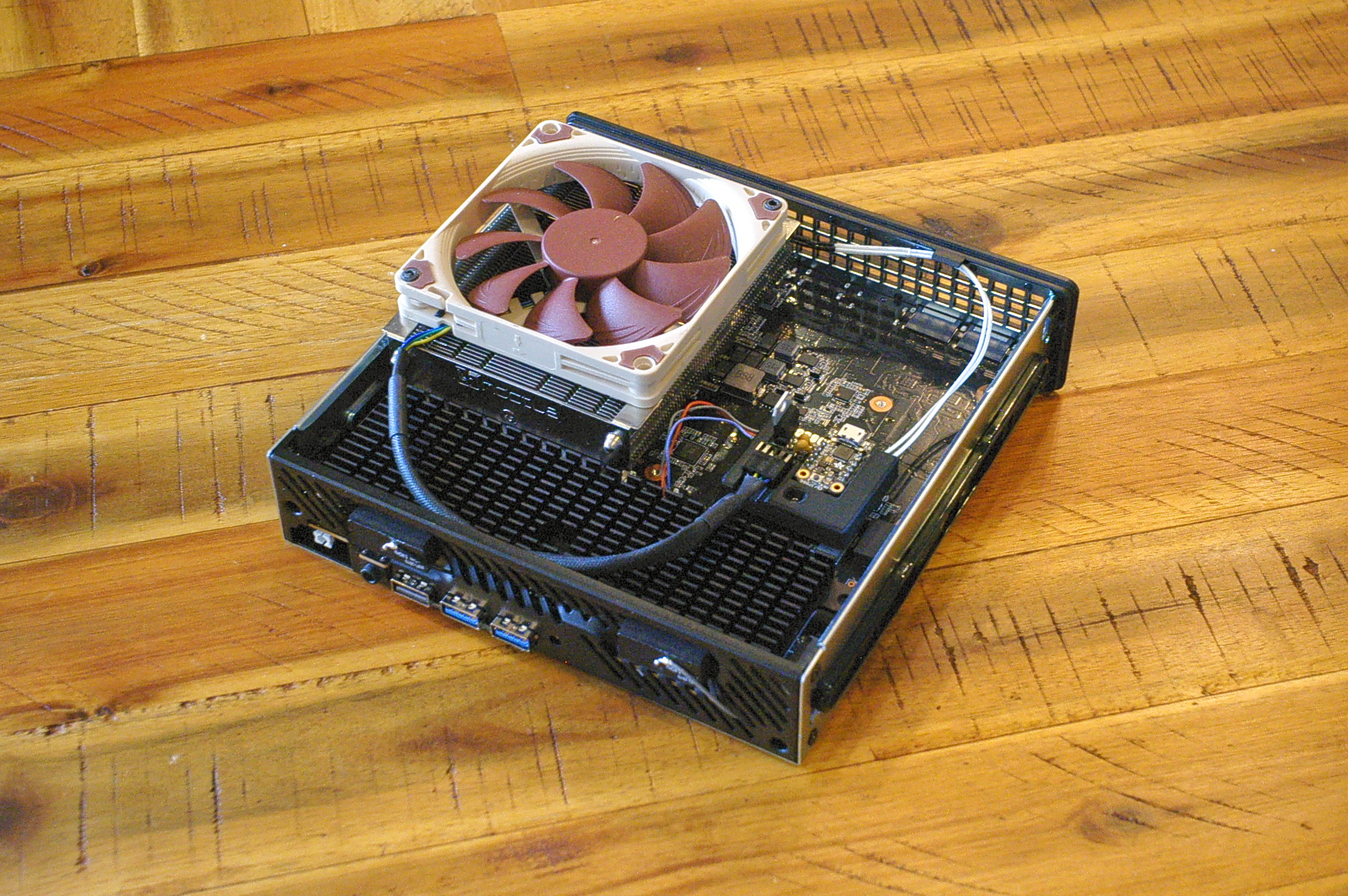
Custom Case for Minisforum MS-A1 with Noctua cooler

I had a Gigabyte ITX motherboard with an 8700G in a Goodisory A01 case which made a pretty great APU build. However I couldn't help feeling that the ~30W idle was a little disappointing. I tried swapping my CPU and SSD into the MinisForum MS-A1 which runs on average 20W lower. (At idle, that's about 65% less power). This thing is drawing nearly the same power as an 8th gen i3 NUC now. However the cooler on the MS-A1 leaves a lot to be desired. It's kind of loud, audible even at the lowest settings, there's no custom fan curve in the UEFI, and it isn't even that effective. I wanted to throw my Noctua NH-L9i on it, but the cooler mounting holes aren't AM5 spec and the case doesn't fit anymore. So I designed and 3D printed my own cooler mounts and case to match. I also designed a custom fan controller with a thermistor to monitor the heatsink temperature and control the fan speed. It plugs into the existing 4 pin micro-jst connector on the board and can be programmed with simple low / high temperature and associated PWM duty cycles. This thing now idles at 12W, 28c, and in complete silence. At maximum synthetic 16 core CPU load, it drinks 70W and hits around 60C, and under a typical gaming load it only hits 50C, and the cooler is much quieter than stock. I am running the CPU in the AMD 35W UEFI power profile as I find it barely impacts performance but keeps things considerably cooler. I uploaded the cooler mount and the case to Printables in case any one is interested to make their own: • Mount: https://www.printables.com/model/1309017-minisforum-ms-a1-noctua-nh-l9i-am5-mount • Case: https://www.printables.com/model/1309100-minisforum-ms-a1-noctua-nh-l9i-case image image image image image

NR200 with 3D Printed Mods

image Edit: Dropped one more internal photo and fully expecting the community let me know that's definitely not how to route motherboard and fan cables 😂 Wanted to post this here as I'm barely able to call this SFF anymore. I went a little crazy on thingiverse and printed both the Top Hat mod by NaturalNetworks and the dual front fan mod by isotope_jx who both shared their incredible designs. I paired the top hat mod with my Kraken 240mm AIO and the front fan mod is being paired with two Corsair ML120 Pros. I can definitely say my case airflow has improved including the bottom of the case where my GPU sits. Got about 8 degrees lower on the GPU while idle and about 10 degrees under full load. CPU still testing. I did not cut the front of my case as mentioned on thingiverse for the front fan mod so it likely isn't giving the CPU as much air as it could be getting. There are some small gaps but that definitely came down to printer variance. I did PLA for the top hat mod and ASA for the front fan. 50% in-fill on both, supports enabled, using orcaslicer and Qidi Plus 4 printer. Was able to print the entire front fan as one piece but top hat mod I did have to leave in smaller pieces and build it. Rest of the rig info is below. I won't be sharing the inside of my case photos as my cable management is shameful but if there are pictures you want to see let me know! NR200 All Mesh Side Panels Gigabyte Aorus B550i Pro AX Ryzen 5800X3D Kraken 240 AIO in Push Config Corsair SF750 Platinum 32GB GSkill GDDR4 4000MHz RAM (Running at 3800MHz) MSI 7900 XTX Gaming Trio Classic (PTM7950 Mod for GPU die)

My first attempt in building an itx pc 5600g+16GBs :)

Hello!! I just built an itx pc for my dad for general office use: Microsoft Word/Excel, internet browsing etc. The case is inWin chopin pro and it can fit an AMD stock cooler. The only catch was that I had to remove its plastic top off to reduce its height. I went for 5600g because the price combo CPU+MB on AMD was cheaper than Intel in my country. image

Had to upgrade my CPU cooler. Found this comparison of the heights of the Phantom Spirit 120 SE vs Normal/EVO.

My Big Shuriken 3 isn't really sufficient for my new 5700X3D, even with undervolting, so I'm upgrading to the Phantom Spirit 120 SE. I've seen elsewhere that some people claim that the SE and the Normal/EVO versions are the same height, and the 154mm height noted by Thermalright is coldplate to fin.

Well, here's what seems to me to be definitive proof that the SE is indeed shorter than its capped siblings. The 154mm seems to be coldplate to pipe tip. Note that this is not my image; I'm just sharing for anyone's future reference.

The new cooler will be going into an NR200 (non-P, non-Max), and it will be paired with the aforementioned CPU on a Gigabyte B550I Aorus Pro AX. It seems to be the same overall shape and tower offset as the Peerless Assassin, so I'm expecting it to fit similarly. Will post pictures when everything is installed and working.

FormD T1 x Space65

Since I suspect not everyone viewing this thread is a SFF PC enthusiast, SFF PC stands for "Small Form Factor Personal Computer". The community generally likes to categorize any computers under 20 L in volume as a SFF PC. My PC uses a boutique/enthusiast case called the FormD T1 which is 9.95 L in volume. I can barely hold it in one hand (it's still very heavy though because it's so dense). LMK if you have any questions about my build or the community in general. Happy to answer questions. Parts List • CPU: i7-13700k • GPU: 4090 FE • Motherboard: MSI MPG Z790i Edge • Ram: Corsair Vengeance RGB 5600 (OCed to 6000 CL36) • PSU: Asus ROG Loki SFX-L 1000W • Cooler: Corsair H100i Elite Capellix w/ LCD screen kit • Case: FormD T1 Silver • Custom Cables: Cablester • Keyboard: Space65 R3 with Osume Dalgona keycaps Posted this on r/SFFPC on Reddit, but might as well post here. Build was quite tough due to the AIO + SFX-L combo. The AIO also requires a separate fan/RGB hub, so there ends up being very little room for cable management. Temps are on the high side, but that was expected with the 13700k and a slightly gimped 240 mm AIO due to having to use a slim fan in the T1. Idle coolant temps are 42 C (ambient ~30 C). Gaming coolant temps between 46 C to 50 C and occasionally up to 52 C, but that's only when my ambient temps are 35 C. My personal danger threshold for the coolant is 55 C, so I try to target under 50 C. CPU temps at load is anywhere from 60 C to 75 C. Works well though otherwise. Scored 27818 on Cinebench R23, with PL1=PL2=200w, -110 mV offset, Lite Load 1, and LLC 5. CPU temps hit 95 C during the benchmark, and coolant temps hit 52 C. 4090 FE's cooler is overbuilt and idles around 37 C and reaches 65 C at load. A complete non-issue temperature-wise for this build.

Rough measurement of the new Powercolor 9070XT cards by u/HyruleanKnight37

I do try to avoid linking to the other place but just wanted to repost this here for those interested, credit to u/HyruleanKnight37.

Prefer AMD cards as I run Linux so definitely interested in getting a 9070XT Reaper for my living room PC build in the CH160. Currently, I've got my trusty old EVGA 1080ti black edition holding the fort but it's understandably struggling at 4k for some modern games. Sad that only the reference 7900XT/XTX seem to be compact enough at the high end!

www.reddit.com