

OpenGL 3 on Archlinux VM
OpenGL 3 on Archlinux VM
Does anyone know how to get OpenGL3 to work on an Archlinux VM?
My goal is to be able to run Godot within a VM so that I can have:
• a reproducible and shareable dev environment
———
I've tried the following guide:
1. Edit grub configuration (on Archlinux guest VM) > /etc/default/grub
grub
# Added "amd_iommu=on" to the default configuration line 6 as shown below:
GRUB_CMDLINE_LINUX_DEFAULT"loglevel=3 quiet amd_iommu=on"
• Run sudo grub-mkconfig -o /boot/grub/grub.cfg
———
2. Shutdown Archlinux VM and modify the VM's configurations:
[Virt-Manager VM Tabs]:
Display Spice
• Listen type: [Address --> None]
• OpenGL: [disabled --> ✅]
• [Laptop DGPU selected]:
{0000:07:00:0 Advanced Micro Devices, Inc. [AMD/ATI] Rembrandt [Radeon 680M] (render)}
Video Virtio
• 3D acceleration [disabled --> ✅]
———
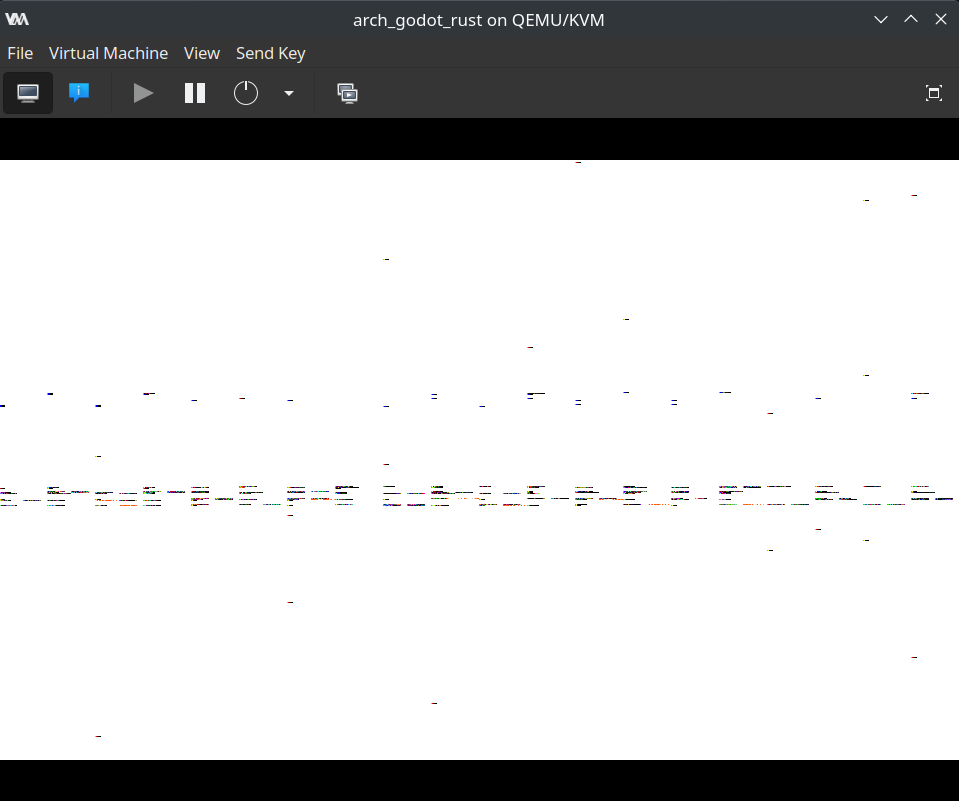
This results in my VM displaying a mainly white screen with random rainbow artifacts:
image
I have a feeling that I might need to edit the grub configuration on my host machine however due to running NixOS atm for my laptop, • this isn't an option for me at the moment, • however I would still appreciate confirmation in knowing that the host grub edit is required/necessary
Comments