🌉 bridged from !xcode@programming.dev by Tidepool
 View on programming.dev


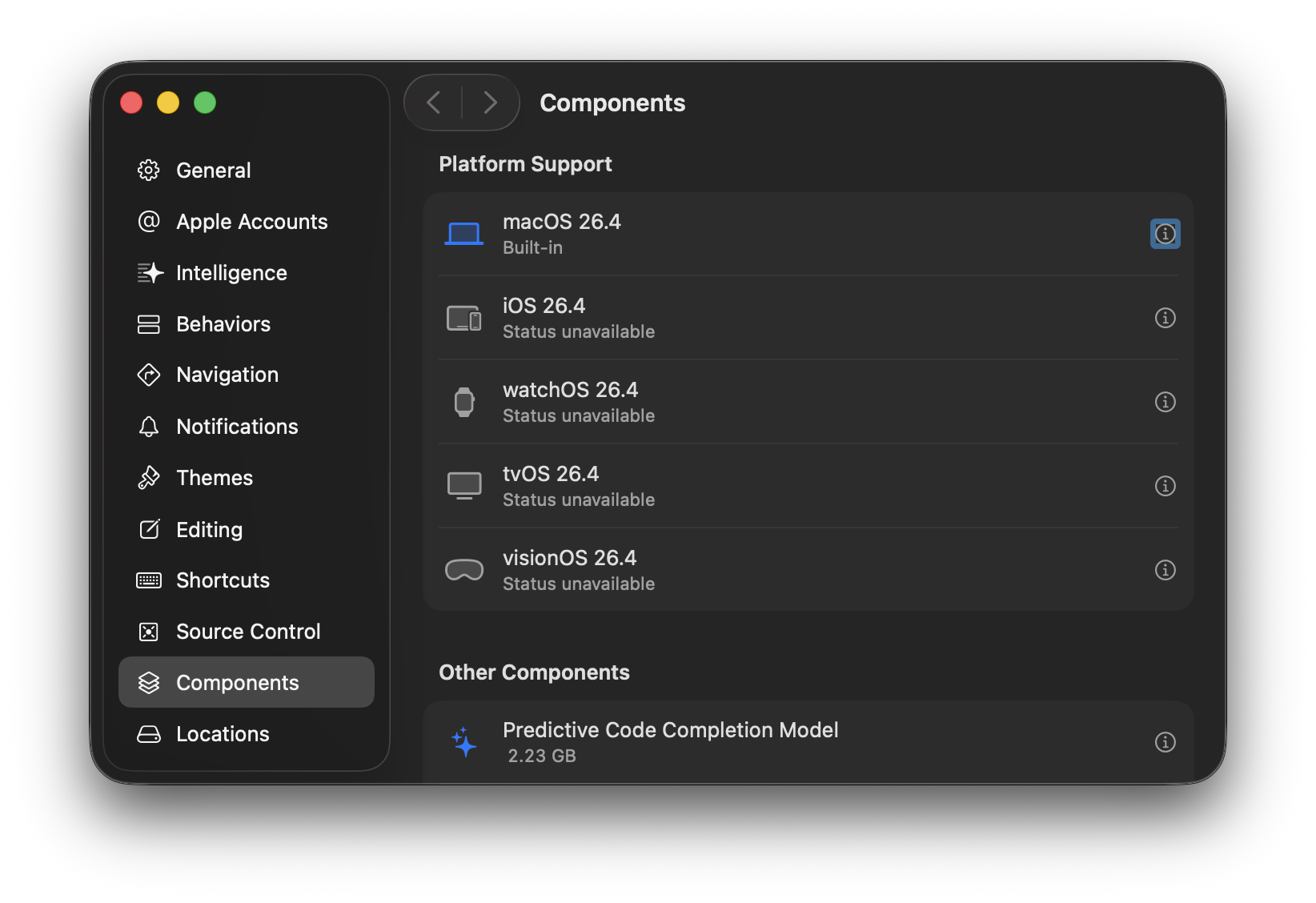
How to fix Status unavailable in Xcode Components?
How to fix Status unavailable in Xcode Components?
cross-posted from: https://eventfrontier.com/post/3318203
I recently upgraded to Xcode 26.4. However, whenever I go to download the iOS, watchOS, tvOS, and visionOS platforms, it says "Status unavailable". I tried to uninstall Xcode. I tried to delete
~/Library/Xcodeand reinstall Xcode. I restarted my computer. I tried to install it using Xcodes.app. I also tried the following command:xcodebuild -downloadPlatform iOS. But that gave me the following error:Finding content... Unable to connect to simulator.I also looked at this repository (https://github.com/filsv/iOSDeviceSupport) to see if I could manually download the files and move them to the correct directory, but they don't have the recent files. I'm really at a loss for what to do next here. How can I fix this and download the platform support files? Screenshot of Xcode Components Platform Support showing "Status unavailable" for each platform