https://github.com/mpv-player/mpv
🌉 bridged from !mpv@lemmy.world by Tidepool

https://github.com/mpv-player/mpv
🌉 bridged from !mpv@lemmy.world by Tidepool
xfce, mpv: media title scrolling in the panel.
cross-posted from: https://lemmy.world/post/21801277
https://gitlab.com/christosangel/genmon-mpv This project is created for use with the xfce desktop environment, and the mpv media player. With the use of the Generic Monitor panel plugin, it displays scrolling the name of the file or the stream playing with mpv. If another instance of mpv starts playing, genmon-mpv will display the most recently opened title of file/stream. As soon as an mpv instance displayed is closed, and another previous instance is still open, genmon-mpv will display the title of the still open file/stream. This project is consisted of two scripts, one in bash, and one in lua. Any feedback is most welcome.

Radion, an internet radio CLI client, written in Bash.
cross-posted from: https://lemmy.world/post/7130971
cross-posted from: https://lemmy.world/post/7130937
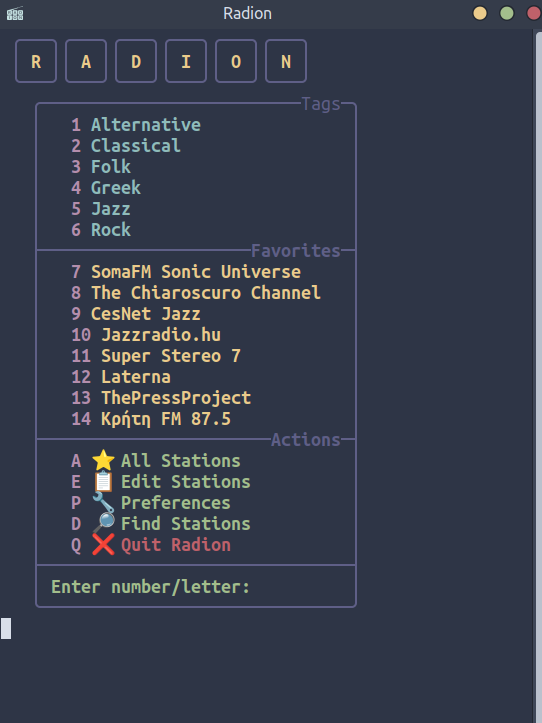
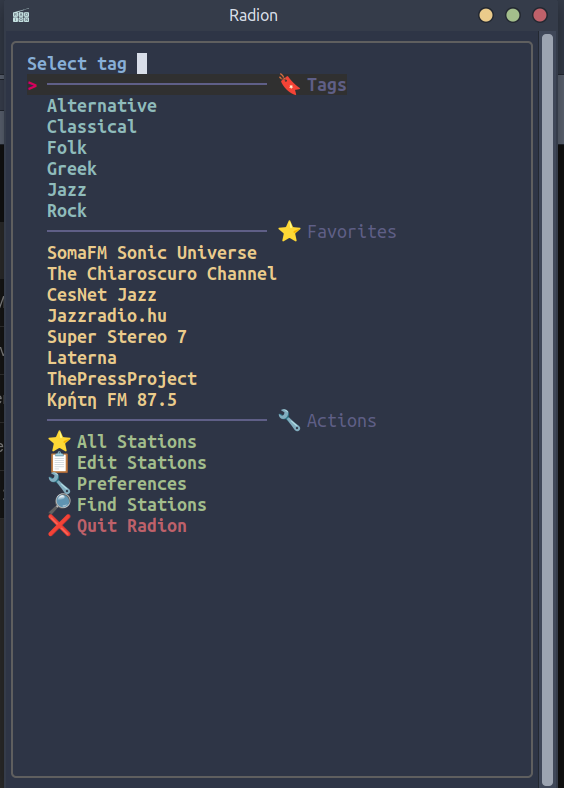
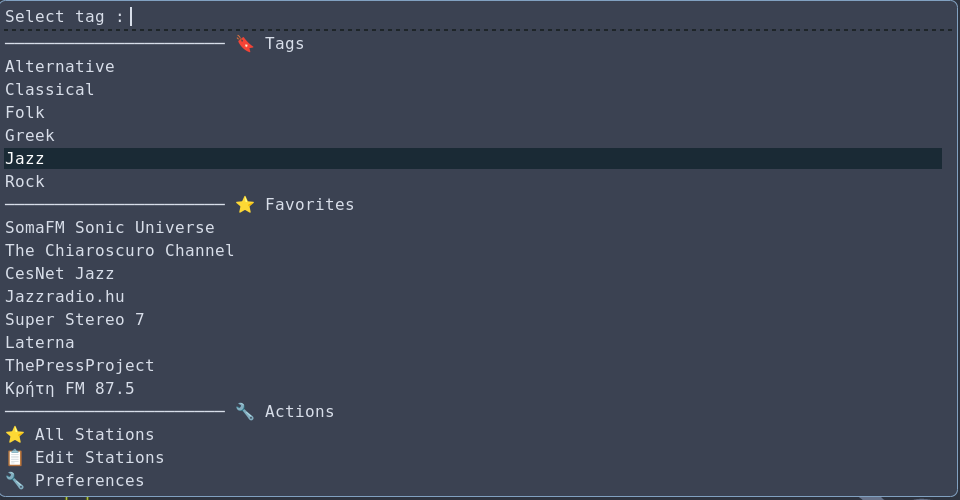
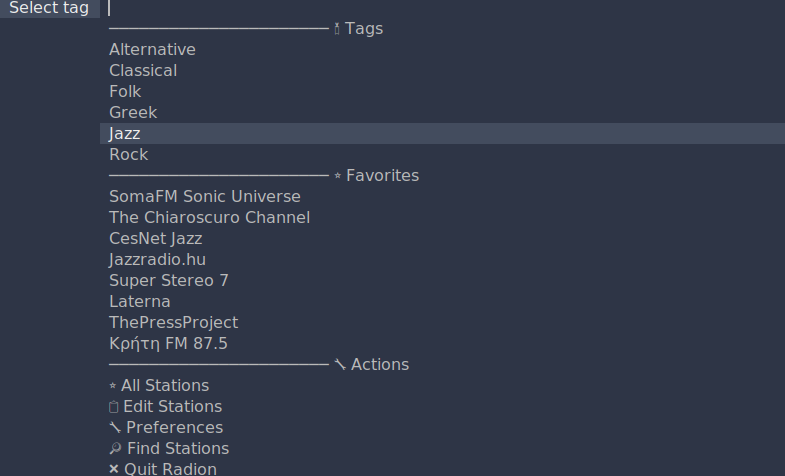
radion is an internet radio CLI client, written in Bash.
https://gitlab.com/christosangel/radion
Radion can be costumized as far as the station selecting program is concerned. The user can choose between:
• read
read
• fzf
fzf
• rofi
rofi
• dmenu
dmenu
———
Update: Introduced new feature: costumizing prompt text for fzf dmenu and rofi.
———
Update: Recording functionality added, with the use of another (you guessed it) bash script
icy
Also options in read as Preferred selector are also case insensitive.
Any feedback is appreciated!
Pyradion, internet radio TUI client, with recording functionality, written in Python
cross-posted from: https://lemmy.world/post/8393990
https://gitlab.com/christosangel/pyradion Through the menus, the user can : • Select directly a station from the Favorites list (which is configurable). • Select a random station out of this list of Favorite stations. • Select a tag to pick a station from. • Select to pick a station from All Stations. • Select a random station out of this list of #tag stations. • ❌ Quit pyradion. ———
Recording
Recording a radio stream in pyradion can be done easily, just by hitting r or R. record.png The user will be notified through the status line of the recording taking place, and of the output file name. Editing the
pyradion.configfile, the user will be able to define output audio file directory. If the title is available by the stream, the file will take its name by it. If title isNot Available, the file will take a date/time for name.Output File Format
In order for recording to work for mpv, output file format must be the same with stream format. Therefore stream format is recognised, and passed to the output file (e.g. mp3, ogg, aac). ——— This project shares more or less the same logic with a previous project in
Bash: https://gitlab.com/christosangel/radion although with this Python script some more features are available. ———
Script: Get MPV watch history from watch_later dir. Numbered selector to pick file to play
cross-posted from: https://lemmy.world/post/1594575
This script will get MPV watch history from files watch_later dir and display them in reverse order of watch. The list is numbered and a prompt for a number will play the desired file in MPV Need line "write-filename-in-watch-later-config=yes" in mpv.conf Deps rg (ripgrep)
#!/usr/bin/env bash
# Return mpv watch history oldest to newest.
# Need line "write-filename-in-watch-later-config=yes" in mpv.conf
# Deps rg

watch_later_dir="$HOME/.config/mpv/watch_later/"

SAVEIFS=$IFS
IFS=$'\n'

if [ ! -d "$watch_later_dir" ]; then
    echo "Specified dir doesn't exist: $watch_later_dir"
    echo "Set var watch_later_dir to your watch later dir"
    echo "also, mpv.conf should have line \"write-filename-in-watch-later-config=yes\""
    exit 1
fi

watch_later_files="$(find "$watch_later_dir" -type f -printf "%T@ %p\n" | sort | sed 's/^\([0-9]\+\.[0-9]\+\) //')"

file_count=$(find "$watch_later_dir" -type f | wc -l)

if [ "$file_count" -eq 0 ]; then
    echo "no files found in \"$watch_later_dir\""
    exit 1
fi

watch_later_files=($watch_later_files)

filepaths_not_echoed="$(for (( i=0; i<${#watch_later_files[@]}; i++ ))
do
  cat "${watch_later_files[$i]}" | rg -o --color=never '(/|http).*'
done)"

filepaths_not_echoed=($filepaths_not_echoed)

# Reverse the order of array
length=${#filepaths_not_echoed[@]}
for ((i=0; i<length/2; i++)); do
    temp="${filepaths_not_echoed[i]}"
    filepaths_not_echoed[i]="${filepaths_not_echoed[length-i-1]}"
    filepaths_not_echoed[length-i-1]="$temp"
done

filepaths="$(for (( i=0; i<${#watch_later_files[@]}; i++ ))
do
  echo -n "$(( $i - $file_count +1 )) " | sed 's/^-//'
  cat "${watch_later_files[$i]}" | rg -o --color=never '/.*'
done)"

#echo "$filepaths" | perl -pe 's/^(\d+ ).*\//$1/g' | rg \
echo "$filepaths" | sed -E 's/^([0-9]+ ).*\//\1/g' | rg \
  --colors 'match:none' \
  --colors 'match:fg:0,200,0' \
  --colors 'match:bg:0,0,0' \
  --colors 'match:style:bold' \
  "[^0-9 ].*"

IFS=$SAVEIFS

read -p "Enter number to play " selection

echo "${filepaths_not_echoed[$selection]}"

setsid >/dev/null 2>&1 </dev/null \
mpv "${filepaths_not_echoed[$selection]}" 2>&1 >/dev/null &
 View on lemmy.world